
Meshing in tensorHVAC-Pro
Understand what is meshing, why it is necesary in HVAC simulation, and how to set it in tensorHVAC-Pro
USER-GUIDE
Wiratama
10/7/20253 min read
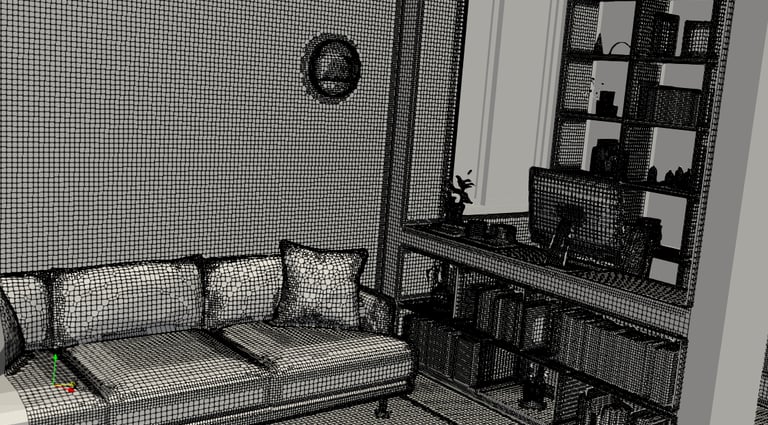
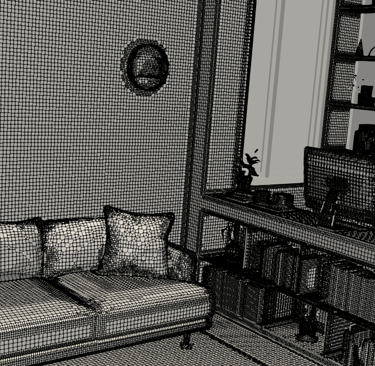
In tensorHVAC-Pro 2025, the mesh is the invisible grid that divides the air space in your HVAC model into smaller regions where the software calculates airflow, temperature, and pressure. You don’t need to understand complex CFD concepts to use it—tensorHVAC-Pro automatically handles the technical part. However, you can still control how detailed the mesh is by selecting from several predefined options. These settings influence how precise your results will be and how long the simulation takes to complete.
Global Mesh Resolution
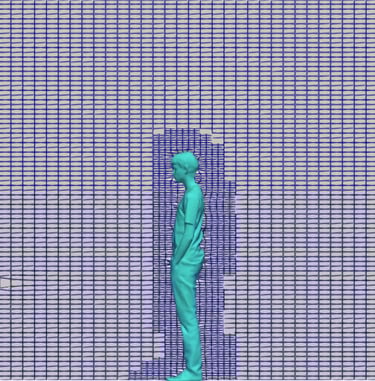
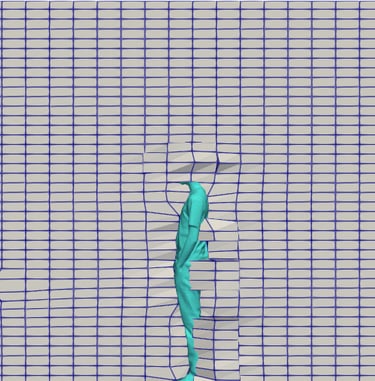
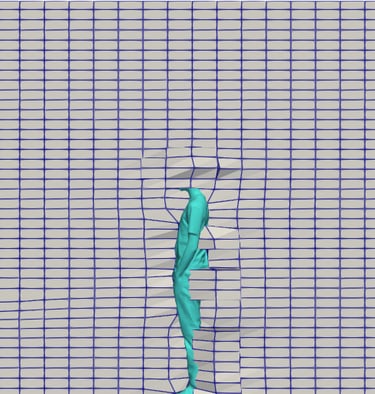
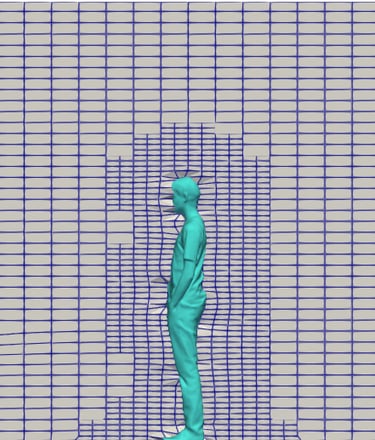
The global mesh determines the overall level of detail throughout the entire model. When set to coarse, the mesh contains fewer elements, which means the simulation will run quickly but may overlook small airflow patterns. This option is useful for quick studies or early design checks. The medium setting provides a good balance between speed and accuracy and is recommended for most projects. A fine global mesh divides the space into many more elements, resulting in a slower simulation but more precise results, especially around complex flow regions such as near walls or diffusers.
Following are the mesh size of each selection:
Coarse : 0,3 m
Medium : 0,15 m
Fine : 0,075 m
Or you can define it with manual input (unit in meter)
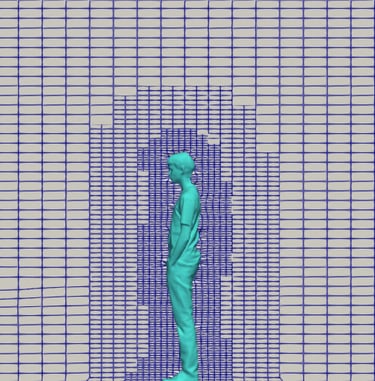
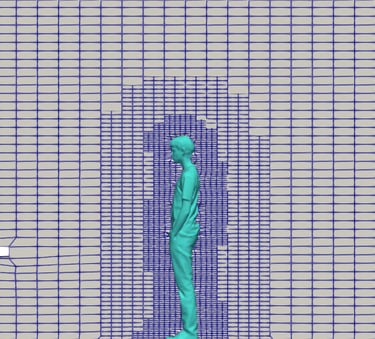
Bellow are illustration of coarse, medium, and fine global mesh:
Local Mesh Resolution
The local mesh focuses on adding extra detail only around specific parts of the geometry, such as air diffusers, vents, or equipment. A coarse local mesh gives a simpler representation that is suitable for open areas or layouts without much complexity. A medium setting refines the mesh near important objects and is ideal for offices or classrooms where airflow interactions are moderate. The fine setting produces a very detailed grid around selected components and is typically used for simulations that require precision, such as data centers or laboratories where airflow direction and temperature gradients are critical. These are the illustration of coarse, medium, and fine local mesh:
Choosing between coarse, medium, or fine mesh settings affects the balance between simulation speed and accuracy. A coarse mesh produces results more quickly but with less detail. A fine mesh captures flow behavior more precisely but takes longer to compute. The medium mesh setting usually offers the best compromise for most HVAC design purposes. A good approach is to start with medium settings for both global and local meshes to evaluate general performance, and then rerun key scenarios using fine mesh settings to confirm final results with higher accuracy.
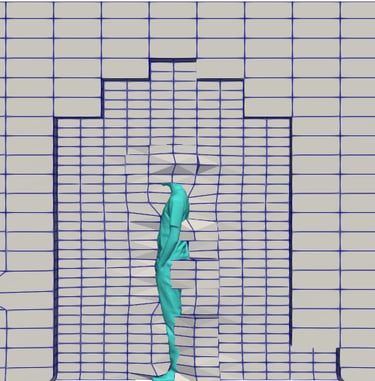
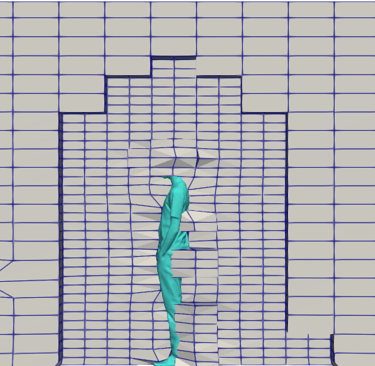
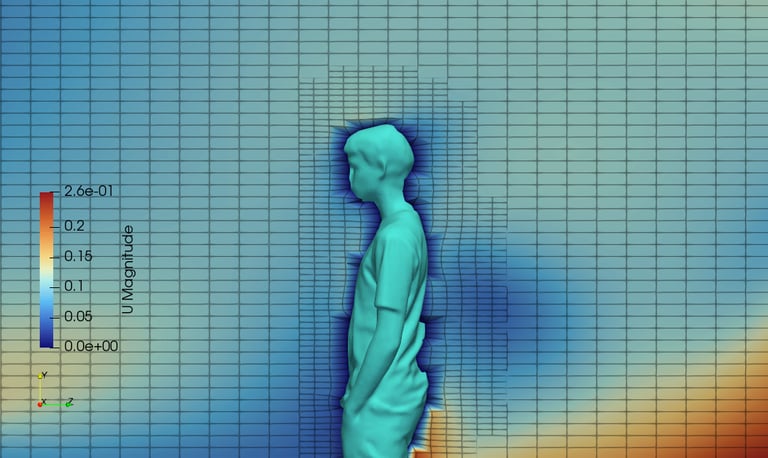
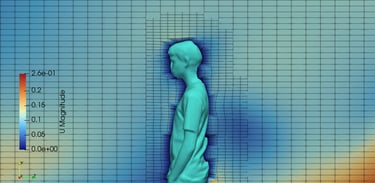
Bellow is the illustration of velocity distribution near object with displayed mesh:



Back to user guide