
Rhino HVAC CFD Simulation using tensorHVAC-Pro
Prepare STL building geometry on Rhino, then simulate it in tensorHVAC-Pro
ARTICLESFEATURES
Wiratama
11/13/20253 min read
Rhino CFD Simulation Using tensorHVAC-Pro & tCFD Tools
A Practical Workflow for Architects, Engineers, and Product Designers
Integrating CFD into the design process is now easier than ever for Rhino users. With the combination of Rhinoceros 3D, tCFD-Pre, and tensorHVAC-Pro, you can build your geometry, define boundary conditions, generate a mesh, and run a full CFD analysis without needing to construct a traditional negative domain. This streamlined workflow saves time and effort—perfect for architectural airflow studies, HVAC design, external aerodynamics, and industrial applications.
This article walks through the full end-to-end process.
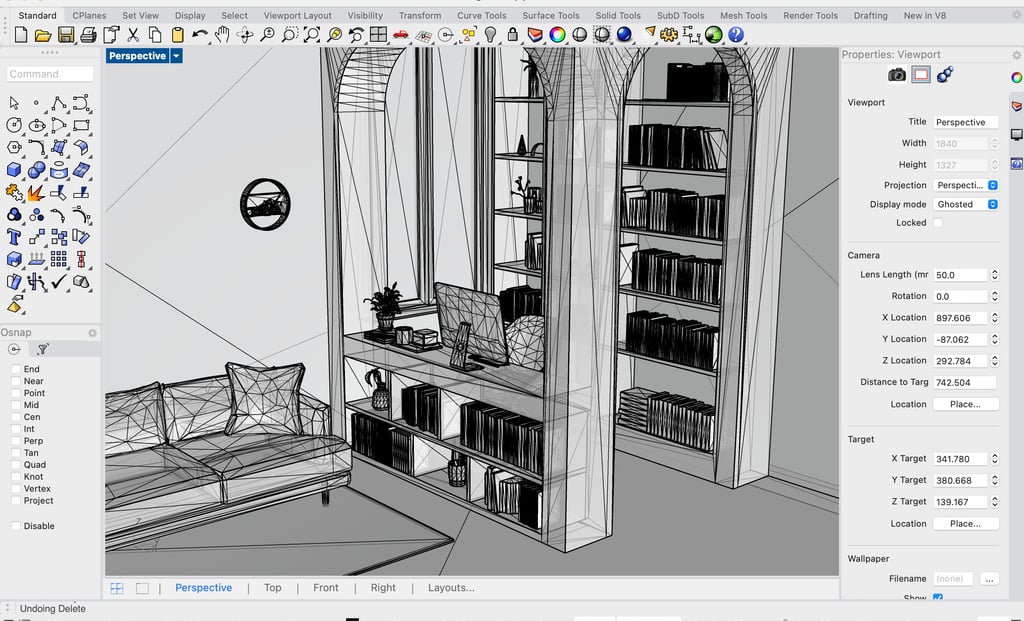
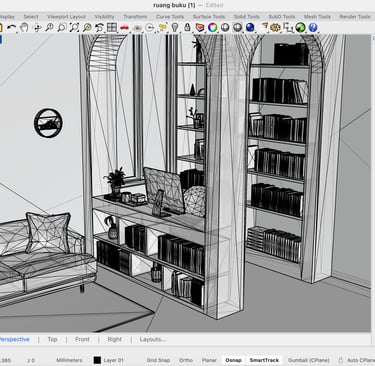
1. Prepare Geometry in Rhinoceros (Rhino)
The first step is to model your geometry inside Rhinoceros 3D. Rhino’s precision modeling tools make it ideal for creating detailed surfaces and volumes for CFD analysis.
Key preparation steps:
Model your domain as positive geometry only (buildings, ducts, obstacles, vehicles, etc.)
Unlike many traditional CFD packages, you do NOT need to create a negative fluid domain. tensorHVAC-Pro will generate this automatically during meshing
Make sure all surfaces that will later become CFD boundary conditions (inlet, outlet, wall, symmetry, etc.) are clean, watertight, and separable
Assign layers in Rhino if needed to organize different surface groups
Once your geometry is complete and cleaned up:
Export the model as STL
This is the preferred format for tCFD-Pre and ensures consistent meshing downstream.
2. Import Geometry into tCFD-Pre and Define Boundaries
Next, open tCFD-Pre, the pre-processing tool for defining CFD model inputs.
Workflow inside tCFD-Pre:
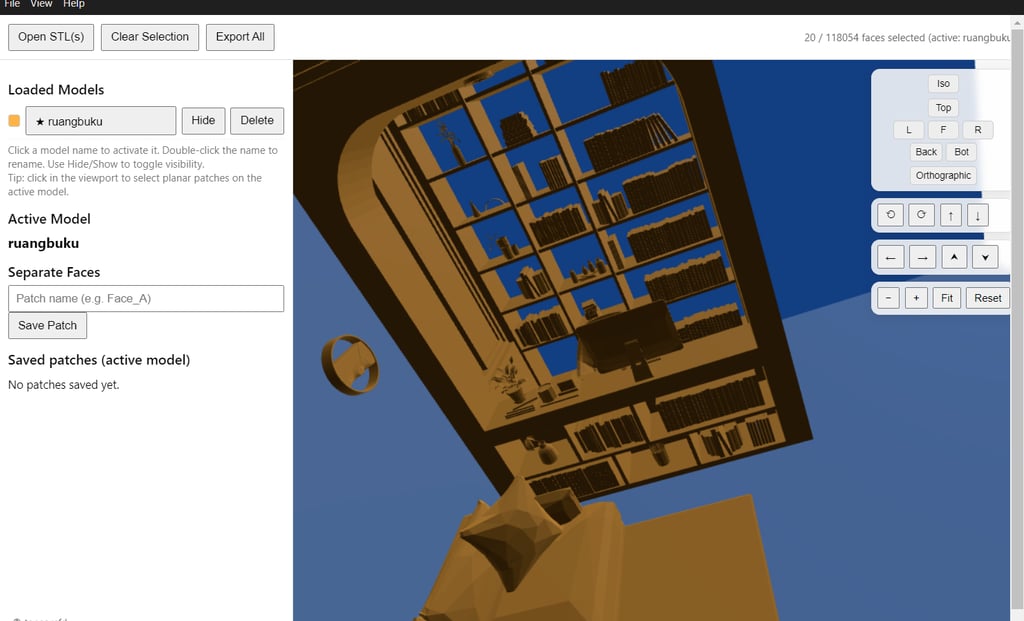
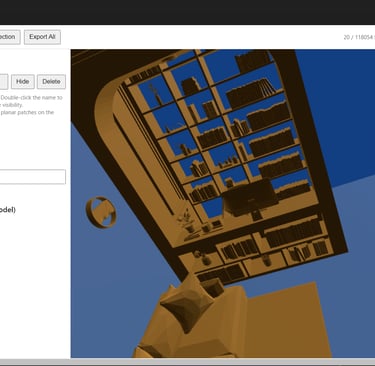
Import the STL file exported from Rhino
The software will automatically recognize individual surface patches
Select these surfaces and assign them to CFD boundary types, such as:
Velocity Inlet
Pressure Outlet
Walls
No-slip / free-slip boundaries
Fans, heat sources, or custom patches
Specify fluid properties and operating conditions (air, water, velocity, turbulence models, etc.)
Once boundary conditions are assigned and validated, export the case for meshing.
3. Generate Mesh in tensorHVAC-Pro
Open the prepared case in tensorHVAC-Pro to create the computational mesh.
Mesh preparation inside tensorHVAC-Pro:
Import the boundary-prepared case from tCFD-Pre
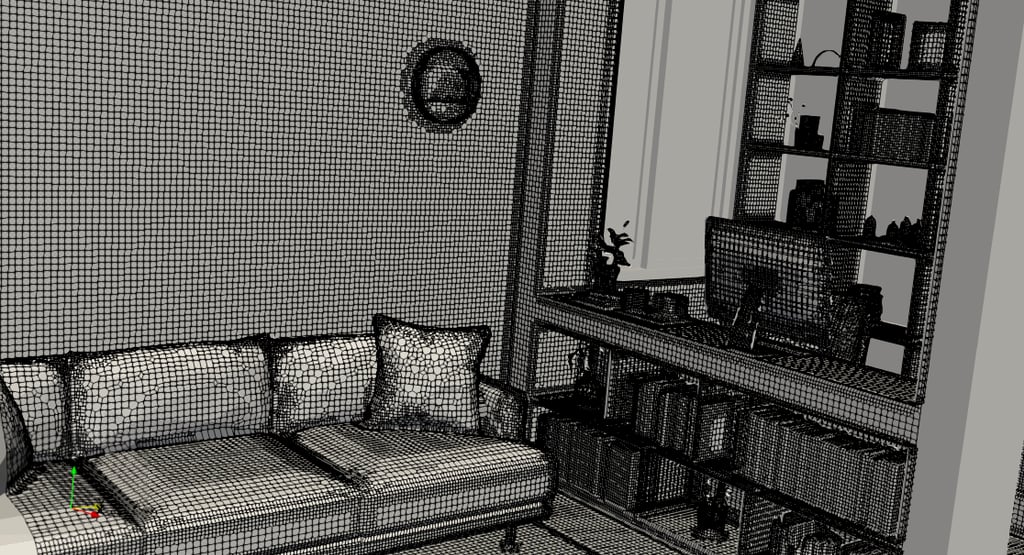
tensorHVAC-Pro automatically generates the external or internal fluid domain
→ No need to model a separate airflow region in RhinoAdjust mesh size and refinement levels based on:
Geometry complexity
Desired accuracy
Target computational time
Add refinement regions or local mesh inflation if needed for high-gradient areas
After configuration, run the meshing process and review the mesh preview to ensure quality.
4. Solve CFD Simulation and View Results in tensorHVAC-Pro
Once the mesh is validated, you are ready to run the CFD simulation.
In tensorHVAC-Pro you can:
Launch the solver (steady or transient)
Monitor convergence of residuals
Track flow variables such as velocity, pressure, turbulence, and temperature
Inspect intermediate solution behavior
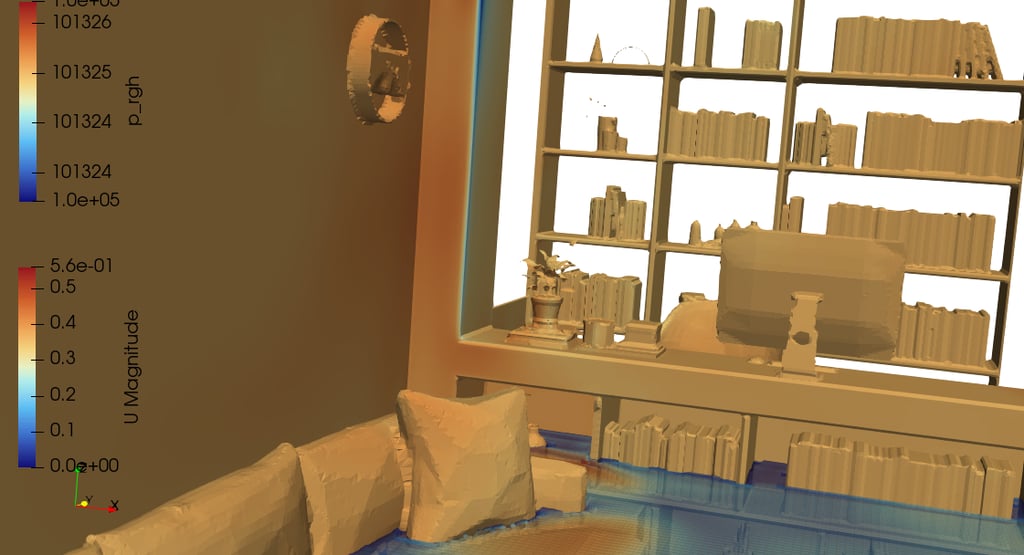
Post-process results directly inside the software
Available visualization tools:
Velocity contours & streamlines
Pressure distribution
Temperature fields
3D volume rendering
Plane slices and cut sections
Vector arrows & pathlines
When the simulation is complete, you can export plots, animations, or data for reporting or further analysis.
Conclusion
With Rhinoceros, tCFD-Pre, and tensorHVAC-Pro, running CFD simulations becomes dramatically more intuitive.
This workflow removes the need for complex negative-domain modeling, simplifies boundary setup, and allows fast meshing and solving—all while maintaining professional engineering accuracy.
Architects, HVAC designers, and engineers can now integrate CFD early in the design process, validate concepts faster, and produce more efficient, data-driven designs.
tensorHVAC-Pro is a dedicated HVAC flow and thermal simulation software, Intuitive and easy to use, designed for HVAC engineers - not CFD expert. Learn more..
Read other tensorHVAC-Pro features