
Sketchup CFD Simulation: prepare the geometry from Sketchup and run simulation in tensorHVAC-Pro
Sketchup CFD Simulation: prepare the geometry from Sketchup and run simulation in tensorHVAC-Pro
ARTICLESFEATURES
Wiratama
11/12/20252 min read
Introduction to HVAC Simulation
Heating, ventilation, and air conditioning (HVAC) systems are crucial for maintaining comfortable indoor environments. To ensure their efficiency, it's essential to simulate these systems accurately before implementation. One of the most effective ways to achieve this is by using SketchUp geometry as a basis for your HVAC simulation. This guide provides a step-by-step approach for preparing your geometry and running simulations in TensorHVAC-Pro.
Preparing the Geometry in SketchUp
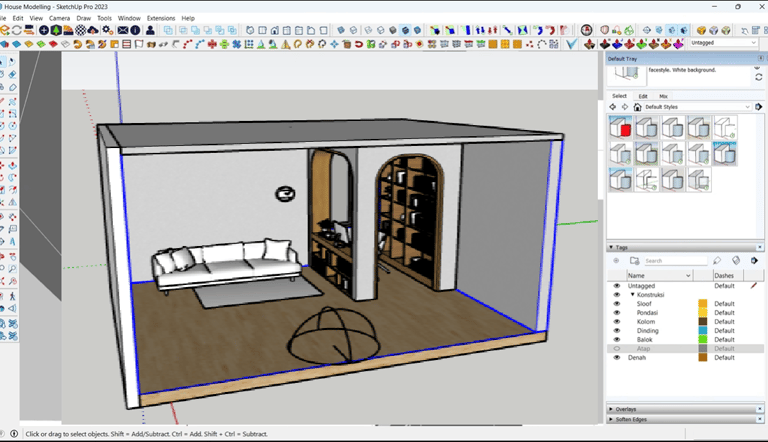
The first step in simulating HVAC systems is to prepare your geometry in SketchUp. It is vital to define the surfaces carefully, as they will represent the inlets and outlets of your HVAC system. Ensure that you create distinct surfaces that allow for easy identification and selection during the simulation setup. Once your geometry is finalized, you need to export it in STL format, which is compatible with various simulation tools.
Importing and Setting Boundaries in tCFD-Pre
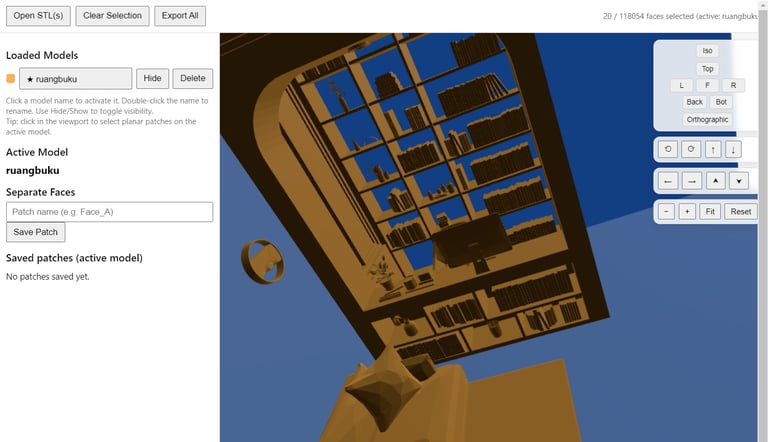
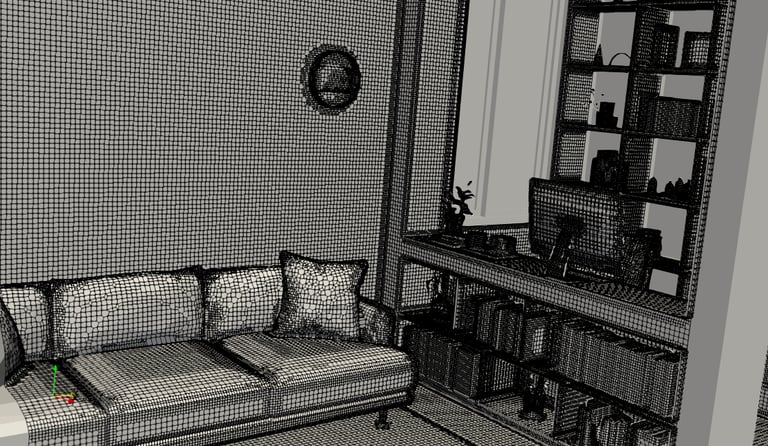
After successfully exporting your geometry from SketchUp, the next step involves importing the STL file into TCFD-Pre. This software enables you to select specific surfaces as boundaries for your simulation. If necessary, designate surfaces as inlets or outlets depending on your HVAC design requirements. Establishing accurate boundary conditions is critical to obtaining realistic simulation results. Review the boundaries carefully to ensure that they align with your intended design parameters.
Running the Simulation in TensorHVAC-Pro
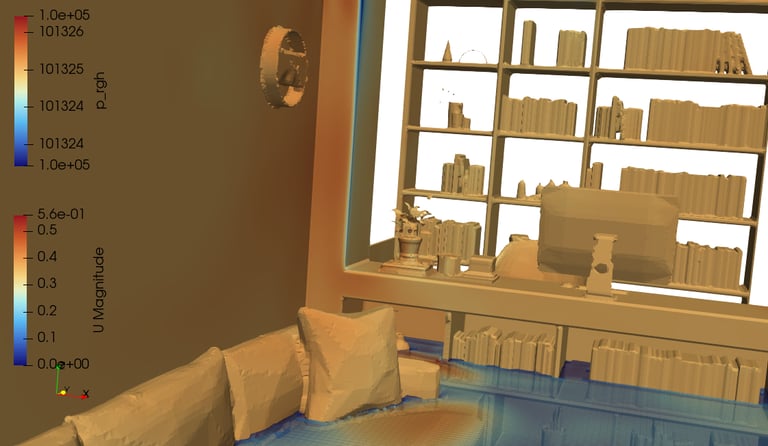
Once your boundaries are set up in TCFD-Pre, the final step is to run the simulation in TensorHVAC-Pro. This powerful tool allows users to model HVAC systems with great precision. Set the necessary parameters, such as airflow rates, temperature gradients, and other relevant conditions before initiating the simulation. After running the simulation, carefully analyze the results to determine the effectiveness of your HVAC design. Adjustments can be made based on performance feedback, leading to enhanced system efficiency.
Conclusion
The simulation of heating, ventilation, and air conditioning systems using SketchUp geometry is an invaluable process for optimizing indoor climate control. By following the steps outlined in this guide—preparing the geometry, exporting to STL format, selecting boundaries, and running simulations in TensorHVAC-Pro—you can ensure a comprehensive assessment of your HVAC system before actual implementation. Effective simulations not only save time and resources but also contribute to overall energy efficiency, resulting in better environmental sustainability.
tensorHVAC-Pro is a dedicated HVAC flow and thermal simulation software, Intuitive and easy to use, designed for HVAC engineers - not CFD expert. Learn more..
Read more tensorHVAC-Pro features