
Running Large geometry for hours and eventually crashed
Running Large geometry for hours and eventually crashed
DISCUSSION-GENERAL
Wiratama
12/6/20251 min read
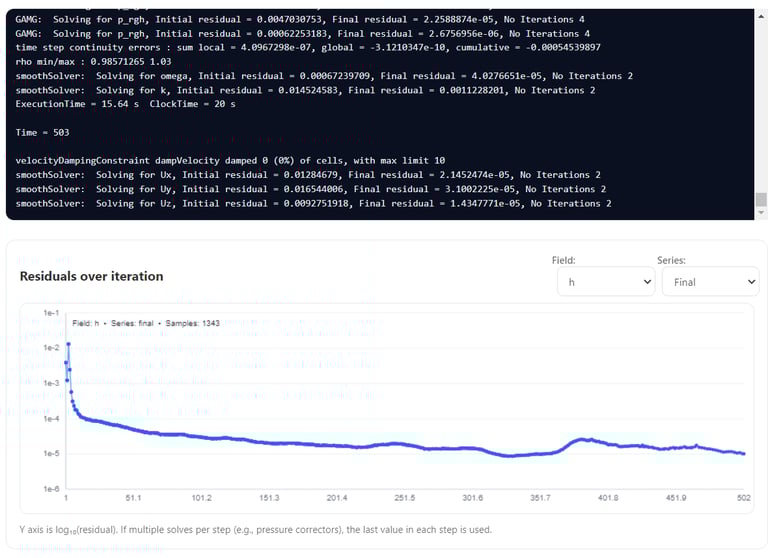
If the simulation was running for several hours and then crashed, a common root cause is insufficient internal memory to store and operate on a very large mesh.
Large geometries with fine mesh resolution can easily exceed available system memory which keep producing during solver running process.
When the system runs out of memory, the solver will typically terminate or crash without a clear CFD-specific error.
Recommended Actions
1. Reduce mesh resolution (coarsen the mesh)
Try lowering the global mesh density or increasing base cell size. Start with a coarser mesh to ensure the case runs successfully, then refine only where needed.
2. Check memory usage during run
Monitor internal memory usage while meshing and during solver execution. If usage approaches system limits, the case is likely to fail regardless of run time.
3. Run a short test case first
Before a long production run:
Run a few iterations or a short transient period.
Confirm memory usage stays stable.
Read more discussion topics..